Why This Comparison Still Matters
Wi-Fi has improved dramatically over the past decade. Modern routers running Wi-Fi 6 or Wi-Fi 6E can deliver gigabit-class speeds and handle dozens of devices simultaneously. So why would anyone bother routing a cable through their home?
The honest answer: wireless technology is genuinely excellent for most everyday use — browsing, music, smart home devices, and casual video. But when performance consistency really matters, a physical cable still has a measurable edge. Understanding why helps you decide where each approach makes sense in your home.
Your connection type also plays a role. If you're on a slower plan, the difference between wired and wireless may be minimal. See how different internet connection types compare to understand what your plan is actually capable of delivering.
Where Ethernet Has a Clear Advantage
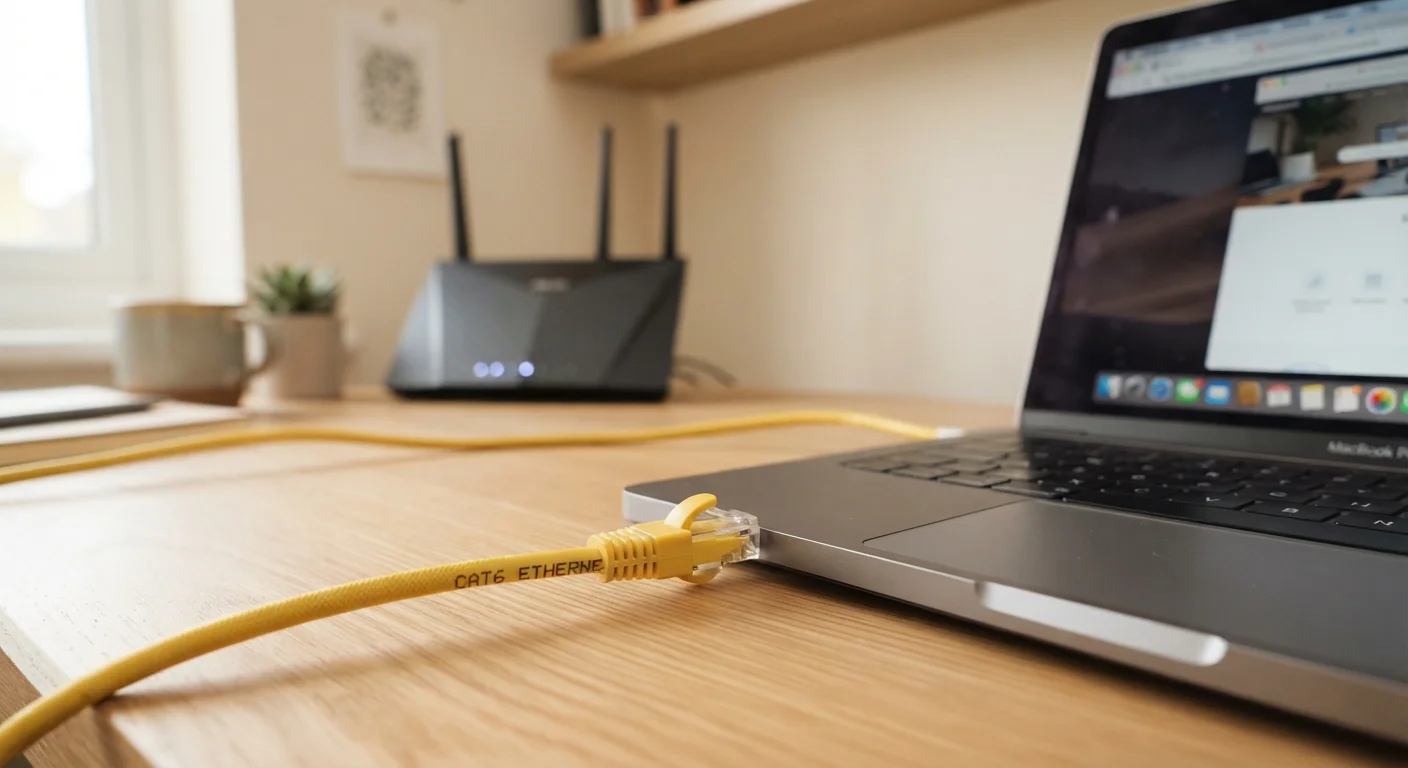
A wired ethernet connection works by sending data signals through a shielded copper cable — no radio signals, no air interference, and no shared spectrum with your neighbors' networks.
Lower and more consistent latency
Ethernet connections typically show latency measured in single-digit milliseconds with very little variation. Wi-Fi latency can spike unpredictably, especially in congested environments.
Immune to wireless interference
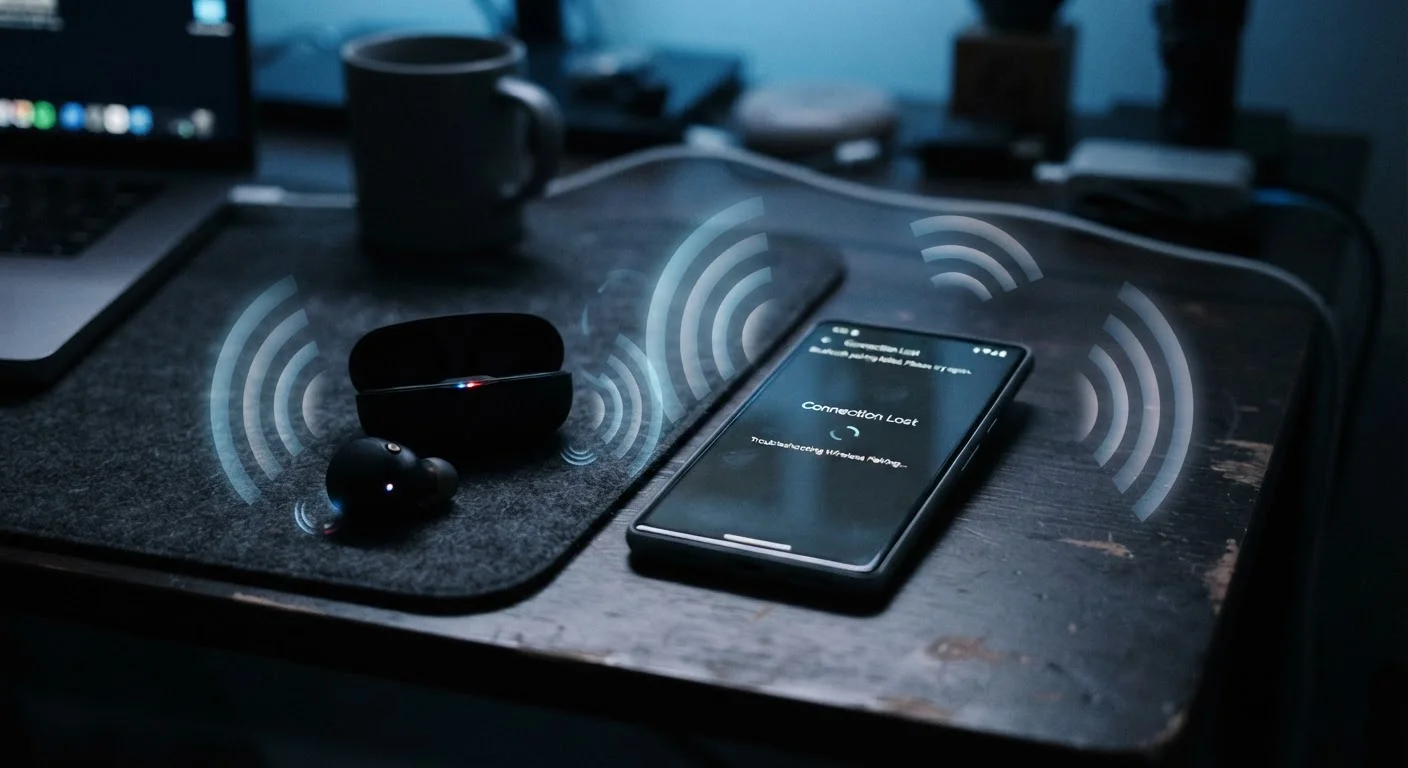
Microwaves, neighboring networks, Bluetooth devices, and even baby monitors can disrupt Wi-Fi signals. A shielded cable is unaffected by any of these sources.
More predictable, stable throughput
Wired connections maintain a steady data rate regardless of how many wireless devices are active nearby. This translates to fewer buffering interruptions and smoother video calls.
Slightly more secure by default
A wired connection cannot be intercepted over the air the way a wireless signal can. While modern Wi-Fi encryption is strong, physical access requirements add a layer of inherent security.
This matters most in three practical situations:
- Online gaming: Lag spikes — sudden jumps in latency — are often caused by wireless interference or congestion. Ethernet eliminates most of that variability.
- Video calls: Dropped frames and frozen audio during calls on platforms like Zoom or Teams are frequently a Wi-Fi problem. A wired connection stabilizes packet delivery.
- 4K or high-bitrate streaming: Buffering often isn't a speed problem — it's a consistency problem. Ethernet delivers a steadier stream of data than Wi-Fi can guarantee.
If you're also curious about which Wi-Fi band handles these tasks better when going wireless is unavoidable, choosing the right Wi-Fi band for each room explains the trade-offs clearly.
The Real Drawbacks of Going Wired
Ethernet isn't the right answer for every device or every home. There are genuine reasons most households lean on Wi-Fi as the default.
Physical cables limit device mobility
Phones, tablets, and most modern laptops lack an ethernet port entirely or require an adapter. Tethering portable devices defeats their core purpose.
Installation can be inconvenient or costly
Running cables neatly through walls, along baseboards, or across rooms takes time and sometimes professional help. In rented homes, this may not be an option at all.
Cable clutter and aesthetic impact
Visible cables across floors or desks create tripping hazards and can look untidy. Managing cable runs properly requires additional hardware like clips, raceways, or conduit.
Unnecessary for low-demand devices
Smart bulbs, thermostats, and casual web-browsing devices don't generate enough traffic to benefit from a wired connection. Running cables to these devices adds complexity without meaningful gain.
The mobility issue is especially important to name. Laptops, tablets, and phones are designed to move around — and modern Wi-Fi handles that gracefully. Forcing a cable onto a device that travels between rooms defeats the purpose of portable hardware.
If dead zones or weak signal in certain rooms are driving you toward ethernet, it's worth first understanding whether better Wi-Fi placement might solve the problem. why Wi-Fi signal weakens in certain spots walks through the physics behind signal loss and what you can do about it.
Practical Middle-Ground Options
If running a cable through walls isn't realistic, two technologies can help bridge the gap:
- Powerline adapters: These use your home's existing electrical wiring to carry network data. You plug one adapter near your router and another near the device you want to connect. Performance varies based on the age and quality of your wiring.
- MoCA adapters: If your home has coaxial cable runs (the same type used for cable TV), MoCA adapters use those lines to deliver wired-quality speeds. These typically perform more consistently than powerline adapters.
Check Your Device's Ethernet Port First
Many modern laptops — particularly thin and light models — no longer include a built-in ethernet port. Before purchasing a powerline or MoCA adapter, verify whether your device needs a USB-C or USB-A ethernet adapter as well. These adapters are inexpensive and widely available, but it's a step worth confirming before setting up your wired connection.
Neither solution is as clean as a direct ethernet run, but both can meaningfully improve reliability over Wi-Fi for stationary devices — especially if your router is far from your living room or home office.
For homes where coverage is the core challenge rather than raw speed, a mesh system may be worth considering alongside these options. mesh Wi-Fi versus a traditional router covers how these setups compare.
~1–5 ms
Typical ethernet latency range
Ethernet connections commonly deliver round-trip latency under 5 milliseconds on local networks, compared to 20–50 ms or more for Wi-Fi under congestion.
~30%
Wi-Fi throughput lost to interference
Studies on wireless network performance have found that real-world Wi-Fi throughput can fall 20–40% below theoretical maximums due to interference and signal degradation.