Decoding Mbps: The Unit That Drives Everything
When your internet plan says "200 Mbps," that number tells you the maximum rate at which data can flow through your connection. Mbps stands for megabits per second — a measure of data volume moving per unit of time. To put it in familiar terms: streaming a standard HD video typically requires around 5 Mbps, while 4K streaming can demand 25 Mbps or more per device.
A common source of confusion is the difference between megabits (Mbps) and megabytes (MBps). Internet speeds are always quoted in megabits; file sizes and download progress bars in your apps are usually shown in megabytes. Since there are 8 bits in a byte, a 100 Mbps connection moves about 12.5 megabytes of data every second. That's why your download manager might show a lower number than you'd expect from your plan's speed.
For a broader look at how your internet connection works from the street to your router, see our plain-language primer on home internet.
25 Mbps / 3 Mbps
FCC minimum broadband definition
The FCC has historically defined broadband as at least 25 Mbps download and 3 Mbps upload, though this threshold is periodically reviewed as household usage increases.
~5 Mbps
Download speed for HD video streaming
Major streaming platforms commonly recommend around 5 Mbps for HD quality per stream; 4K content typically requires 15–25 Mbps per stream.
500–600 ms
Typical latency on older satellite internet
Traditional geostationary satellite connections have historically exhibited latency in this range due to the 22,000-mile round trip to orbit, per general industry benchmarks.
Download vs. Upload: Two Very Different Lanes
Your internet connection operates in two directions simultaneously, and each has its own speed rating.
Download speed is how fast data arrives at your device from the internet. This covers everything from loading a website to buffering a movie to pulling up a map. For most households, download speed is the number that drives daily experience because the bulk of consumer internet activity is inbound.
Upload speed is how fast data leaves your device and travels outward. This matters when you're on a video call (your camera feed is being uploaded in real time), backing up photos to cloud storage, or submitting large files. Many common internet plans — particularly older cable infrastructure — offer significantly lower upload speeds than download speeds. If your video calls are choppy while your streaming looks fine, low upload speed is often the culprit.
Curious about how your connection type affects these numbers? Our article on connection types like fiber, cable, and DSL covers how each technology handles upload and download differently.
Test Upload and Download Separately
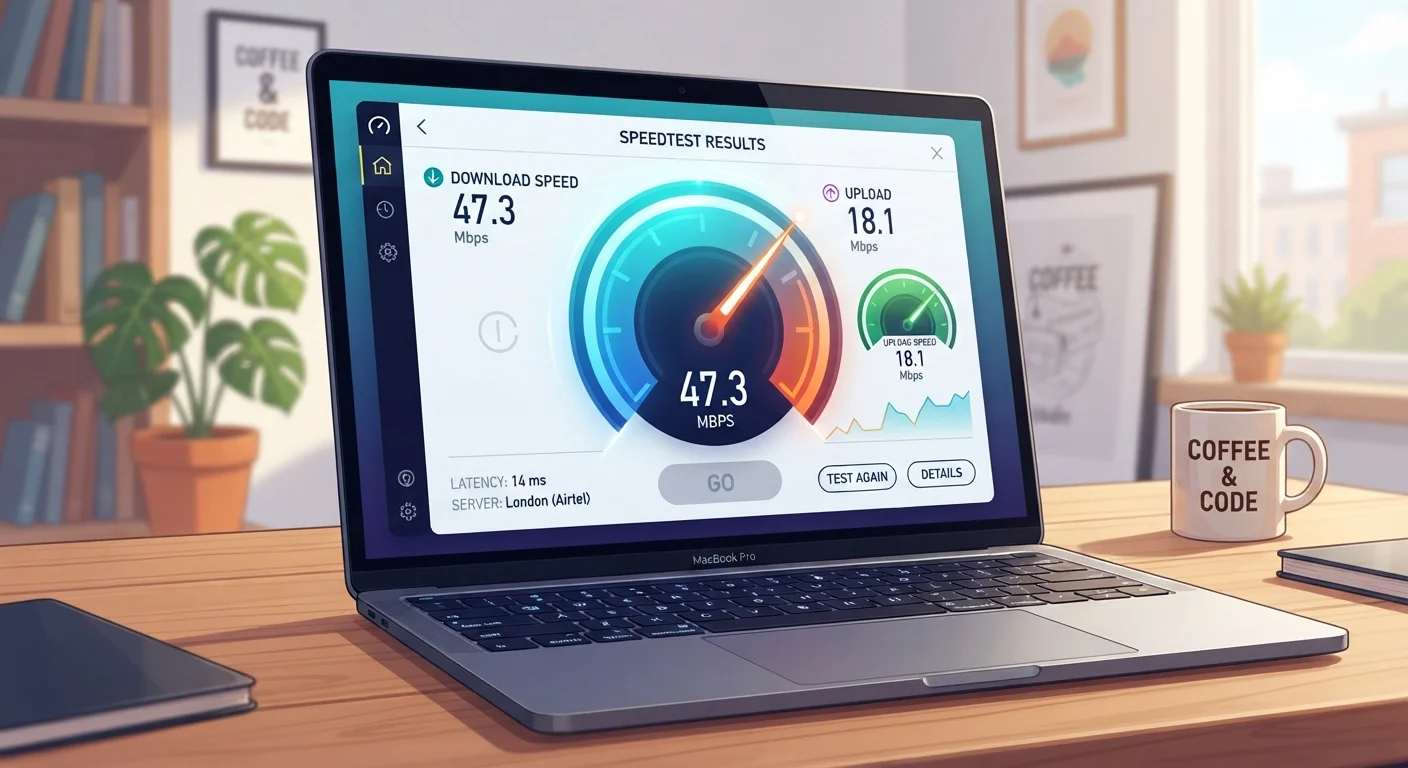
When troubleshooting, don't just glance at your download number. Run a full speed test that reports both download and upload speeds, plus latency (often called 'ping'). Many free browser-based speed tests display all three. If your upload is dramatically lower than your download, that asymmetry may explain call quality or cloud backup problems specifically.
Latency: The Number Speed Tests Often Bury
Raw speed — how many megabits per second flow through your connection — tells only part of the story. Latency measures how long a single signal takes to make a round trip between your device and a server, expressed in milliseconds (ms). A low-latency connection feels snappy and responsive; a high-latency connection feels sluggish even if the raw speed numbers look good.
Think of speed as the width of a pipe and latency as the length of the pipe. A wide pipe still takes time to fill if the server is far away or the signal has to hop through many relay points.
Latency under 50 ms is generally considered good for most uses. Online gaming and real-time video calls are most sensitive to latency — above 100 ms, players notice lag and call participants experience audio or video sync issues. Satellite internet connections have historically had high latency (often 500–600 ms with older technology) due to the physical distance signals must travel, even when download speeds are acceptable.
Why Your Real-World Speed Rarely Matches Your Plan
The speed listed on your internet plan is an advertised maximum under ideal conditions — not a guaranteed floor. Several factors pull real-world performance below that ceiling:
- Wi-Fi signal loss: Wireless connections introduce interference and distance-related degradation. A device three rooms from your router may receive a fraction of your plan's speed. See our guide on common Wi-Fi speed myths for more on this.
- Shared bandwidth: Every device actively using the internet divides the available connection. A household running four video streams, a video call, and a cloud backup simultaneously will feel the squeeze even on a fast plan. For a deeper look, our article on what's quietly eating your bandwidth breaks down the biggest culprits.
- Network congestion: ISPs share infrastructure across neighborhoods. Evening hours — when many households are online simultaneously — often produce noticeably slower speeds than off-peak times.
- Router age and hardware: An older router may not be capable of passing through the full speed your modem receives, acting as a bottleneck between your ISP's signal and your devices.
For the most accurate reading of what your connection is actually delivering, connect a device directly to your router via an Ethernet cable and run a speed test with other devices idle.