What Bitrate Actually Does to Your Picture
Every frame of video you watch online is a compressed package of data. Bitrate measures how large those packages are — specifically, how many megabits of data arrive at your screen each second. Think of it like water pressure through a pipe: more pressure (higher bitrate) means a richer, more detailed image. Drop the pressure and the picture loses sharpness, color depth, and fine detail.
Here's the practical scale: standard definition (480p) typically streams at 1–3 Mbps. HD (1080p) usually runs between 5–8 Mbps. Full 4K with HDR — the format that shows the widest color range and highest contrast — can demand 15–25 Mbps for a single stream on many platforms. Those aren't rough estimates; they reflect real encoding targets used across the industry.
~25 Mbps
Typical bandwidth needed for one 4K HDR stream
Widely cited by major streaming platforms as a recommended minimum for stable Ultra HD playback.
2×
Efficiency gain of H.265 over H.264 codec
H.265 (HEVC) can deliver comparable visual quality at roughly half the bitrate of older H.264 encoding.
5–8 Mbps
Typical bitrate for 1080p HD streaming
Standard HD streaming requires significantly less bandwidth than 4K, making it stable on most modern broadband plans.
This is why smart TV specs like resolution and HDR matter beyond just the screen — the connection feeding that screen has to keep pace with the format.
Why Buffering Happens — and What Your Player Is Doing About It
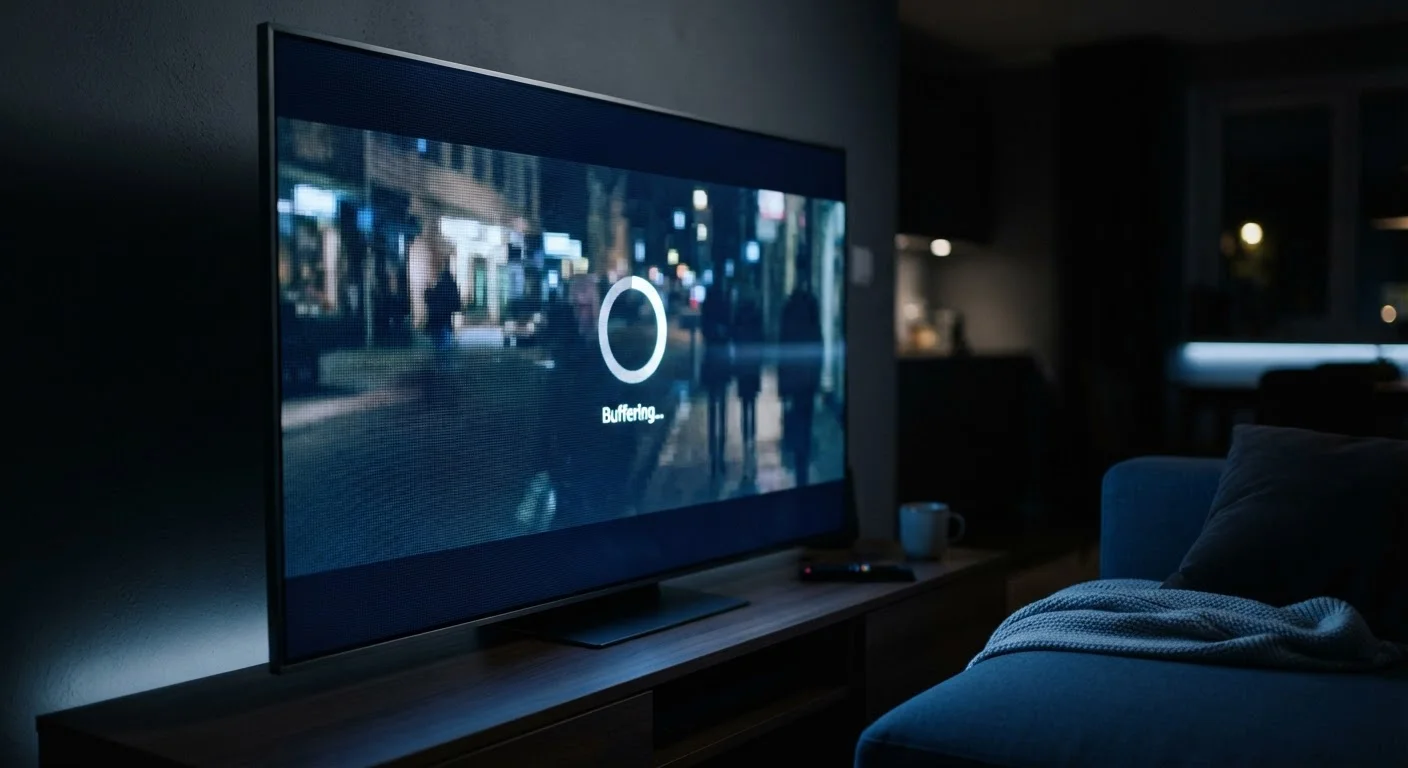
Buffering is your video player admitting a temporary problem: data isn't arriving fast enough to play the next moment of video. Most players pre-load a few seconds ahead, building a small cushion. When that cushion empties — because your download speed fell below what the stream needs — playback pauses and refills.
The modern fix is adaptive bitrate streaming (ABR). Instead of locking you into one quality level, the streaming app encodes your video at multiple quality tiers simultaneously and serves whichever tier matches your current throughput. Slow connection? The app quietly drops to 720p or lower to keep playback moving. Speed recovers? It gradually upgrades back toward 4K. You may notice the picture soften momentarily — that's ABR at work, prioritizing continuous playback over constant quality.
Force a Quality Check on Your Stream
Most streaming apps let you manually set the video quality in their settings menu — look for options like 'Data Usage' or 'Video Quality.' Setting it to the highest fixed quality (rather than 'Auto') forces the app to tell you whether your connection can actually sustain 4K, instead of quietly downgrading without notice. If it buffers at the highest setting but not at 'Auto,' your connection is the limiting factor.
Understanding what your internet speed numbers actually mean — particularly download speed versus latency — makes it easier to diagnose why a stream is struggling.
The Role of Compression and Codecs
Raw video is enormous. A single uncompressed 4K frame contains roughly 24 megabytes of data — streaming that raw would be impossible for most home connections. Streaming platforms use codecs (compression algorithms) to shrink video to manageable sizes without destroying perceived quality.
Common codecs you'll encounter include H.264 (widely supported, older), H.265/HEVC (roughly twice as efficient as H.264), and AV1 (a newer open standard with excellent compression). More efficient codecs let services deliver high-quality video at lower bitrates — meaning 4K on AV1 may look similar to 4K on H.265 while using less of your bandwidth. The trade-off is that newer codecs require more processing power from your streaming device to decode.
Codec Support Varies by Device
Not every streaming device supports every codec. Older smart TVs or streaming sticks may lack hardware decoding for AV1, meaning they fall back to less efficient formats — or skip certain quality tiers entirely. If your device is several years old, its codec support may be limiting the quality options available to you, even on a fast connection.
Compression also explains a common frustration: fast-action scenes — sports, action films — often look worse than slow or static scenes at the same bitrate, because motion creates more visual complexity that compression struggles to handle cleanly.
Your Network's Role: Throughput, Congestion, and Competing Devices
Your internet plan's advertised speed is a ceiling, not a guarantee. Real-world throughput — the speed your streaming device actually gets — depends on Wi-Fi signal strength, router age, distance from the router, and how many other devices are active. A household where two people are streaming, someone is on a video call, and a gaming console is downloading an update will split available bandwidth multiple ways.
Ethernet connections almost always outperform Wi-Fi for streaming because they eliminate signal interference and distance losses entirely. If your smart TV or streaming stick has an ethernet port (or supports an ethernet adapter), using it for 4K content is one of the most effective, zero-cost improvements you can make.
Background activity matters too. App updates, cloud backups, and smart home devices all consume bandwidth quietly. Our guide to bandwidth hogs on your home network identifies which devices are common culprits.
If you're consistently experiencing quality issues, the problem often isn't your streaming service — it's a mismatch between your connection type and what 4K actually demands. Different connection technologies — fiber, cable, DSL, satellite — have meaningfully different reliability and throughput characteristics worth understanding before assuming a speed upgrade is the only answer.