Resolution: How Many Pixels Are Actually on Your Screen
Resolution describes the total number of pixels that make up the picture on your screen, expressed as width × height. The most common you'll encounter are:
- 1080p (Full HD): 1,920 × 1,080 pixels — still the baseline for many cable broadcasts and streaming tiers.
- 4K (Ultra HD): 3,840 × 2,160 pixels — four times the pixels of 1080p, which means finer detail on screens 40 inches and larger.
- 8K: 7,680 × 4,320 pixels — the cutting edge, though native 8K content is still extremely limited.
More pixels matter most at larger screen sizes and closer viewing distances. On a 32-inch TV viewed from ten feet away, the human eye struggles to distinguish 4K from 1080p. Size and seating distance together determine how much resolution you can actually perceive.
It's also worth knowing that your TV's resolution is a ceiling, not a guarantee. If your streaming service, cable box, or game console sends a 1080p signal, a 4K TV will upscale it — which can look good, but isn't true 4K. For real 4K output, you need a 4K source. See how streaming resolution and bitrate interact for a closer look at that pipeline.
| Full HD (1080p) pixel count | 2,073,600 pixels |
| 4K pixel count vs. 1080p | 4× more pixels |
| Standard refresh rate | 60Hz |
| High refresh rate (gaming/sports) | 120Hz |
| HDMI 2.1 max supported resolution | 10K (future-proofed) (HDMI Forum specification) |
| Filmmaker Mode | Disables motion smoothing for cinematic accuracy (UHD Alliance standard) |
HDR, Refresh Rate, and the Settings That Shape Your Picture
HDR (High Dynamic Range) is arguably a bigger visual upgrade than the jump from 1080p to 4K. HDR expands the range between the darkest shadows and brightest highlights a TV can display, producing more realistic contrast and richer colors. The main formats are HDR10, HDR10+, Dolby Vision, and HLG — each a slightly different technical standard. Dolby Vision and HDR10+ adapt their metadata scene-by-scene, which can look better on content mastered for them. Your TV only benefits from HDR if the content being played is actually HDR-graded.
Refresh rate measures how many times per second the screen redraws itself, expressed in Hz (hertz). A 60Hz panel redraws 60 times per second; a 120Hz panel redraws 120 times. Higher refresh rates reduce motion blur during fast-moving content like sports or action sequences. Manufacturers sometimes advertise "effective" or "motion-enhanced" rates (e.g., 240Hz "TruMotion") that are processed interpolations — the native panel rate is the number that matters most.
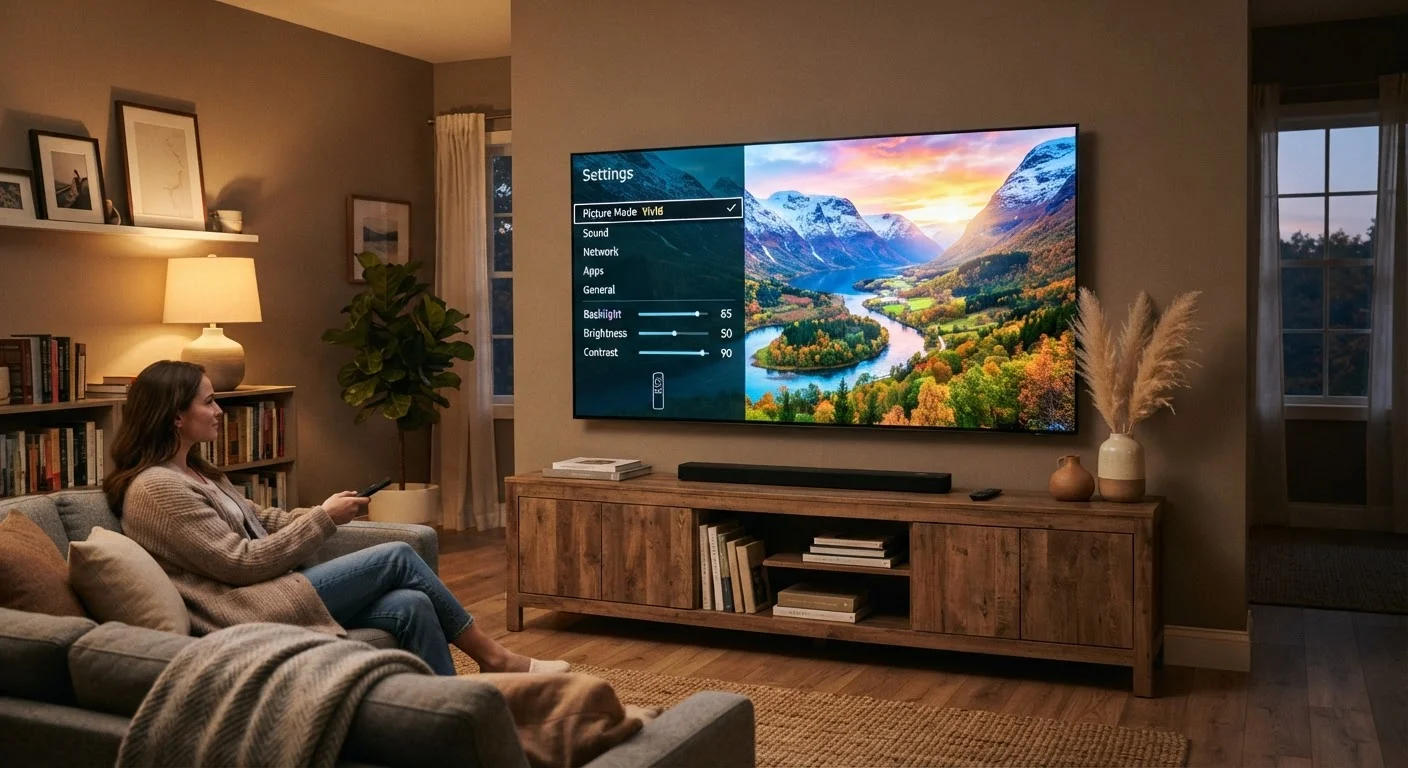
Picture mode is one of the most impactful settings you can change without spending anything. Most TVs ship in "Vivid" or "Dynamic" mode — boosted brightness optimized to look striking in a brightly lit store. At home, switching to "Movie," "Cinema," or "Filmmaker Mode" typically delivers more accurate colors and a more natural image. "Game Mode" reduces input lag (the delay between controller input and on-screen response) by bypassing some image processing — valuable if you connect a gaming console.
Local dimming is another spec worth understanding: it refers to a TV's ability to dim individual zones of its backlight independently, improving contrast. More zones generally mean better dark-scene performance.
Resolution
The total number of pixels on a screen, expressed as width × height (e.g., 3,840 × 2,160 for 4K). Higher resolution means finer detail, but the benefit depends on screen size and viewing distance.
HDR (High Dynamic Range)
A display technology that expands the range of brightness and color a TV can show — deeper blacks, brighter highlights, and more vivid colors. Requires both HDR-capable hardware and HDR-encoded content.
Refresh Rate
How many times per second a TV redraws its image, measured in Hz. Higher rates (120Hz vs. 60Hz) reduce motion blur in fast-moving scenes.
HDMI 2.1
The latest version of the HDMI connection standard, supporting higher resolutions, faster frame rates, and features like Variable Refresh Rate (VRR). Not all HDMI ports on a TV may be 2.1 — check the specs.
Local Dimming
A backlight technique where different zones of the TV's backlight dim independently, allowing darker blacks alongside bright areas in the same frame.
eARC
Enhanced Audio Return Channel — an HDMI feature that sends high-quality audio (including Dolby Atmos) from your TV back to a soundbar or receiver over a single HDMI cable.
Input Lag
The delay between an action — like pressing a button on a game controller — and the result appearing on screen. Lower input lag is critical for gaming. Game Mode on most TVs reduces this.
Upscaling
A processing technique where a TV stretches lower-resolution content (like 1080p) to fill a higher-resolution screen (like 4K). Quality varies by TV.
Ports, Connectivity, and What Your Smart TV Can Actually Do
HDMI 2.1 is the latest HDMI standard and matters most if you connect a current-generation gaming console or a high-end media player. It supports 4K at 120Hz, 8K at 60Hz, and features like VRR (Variable Refresh Rate, which syncs the TV's refresh rate to the device's output to reduce screen tearing). Older HDMI 2.0 ports cap at 4K/60Hz. Check which ports on your TV are actually HDMI 2.1 — often only one or two are, even on newer sets.
eARC (enhanced Audio Return Channel) is a feature on HDMI ports that allows high-quality audio — including Dolby Atmos — to pass from your TV back to a soundbar or AV receiver over a single HDMI cable. Standard ARC exists on older TVs but has lower bandwidth.
On the network side, a wired Ethernet connection to your TV will generally deliver more stable streaming than Wi-Fi, especially for 4K. Background activity from other devices can quietly eat into your bandwidth, so a direct connection removes one variable. If you're setting up your home network from scratch, understanding how internet reaches your devices is a useful foundation.
Finally, smart TV platforms (Roku TV, Google TV, webOS, Tizen, Fire TV) are the operating systems that run your apps and streaming services. They vary in interface design, app availability, and how frequently they receive software updates — factors worth checking if you rely heavily on specific services.
Spec Numbers Don't Tell the Whole Story
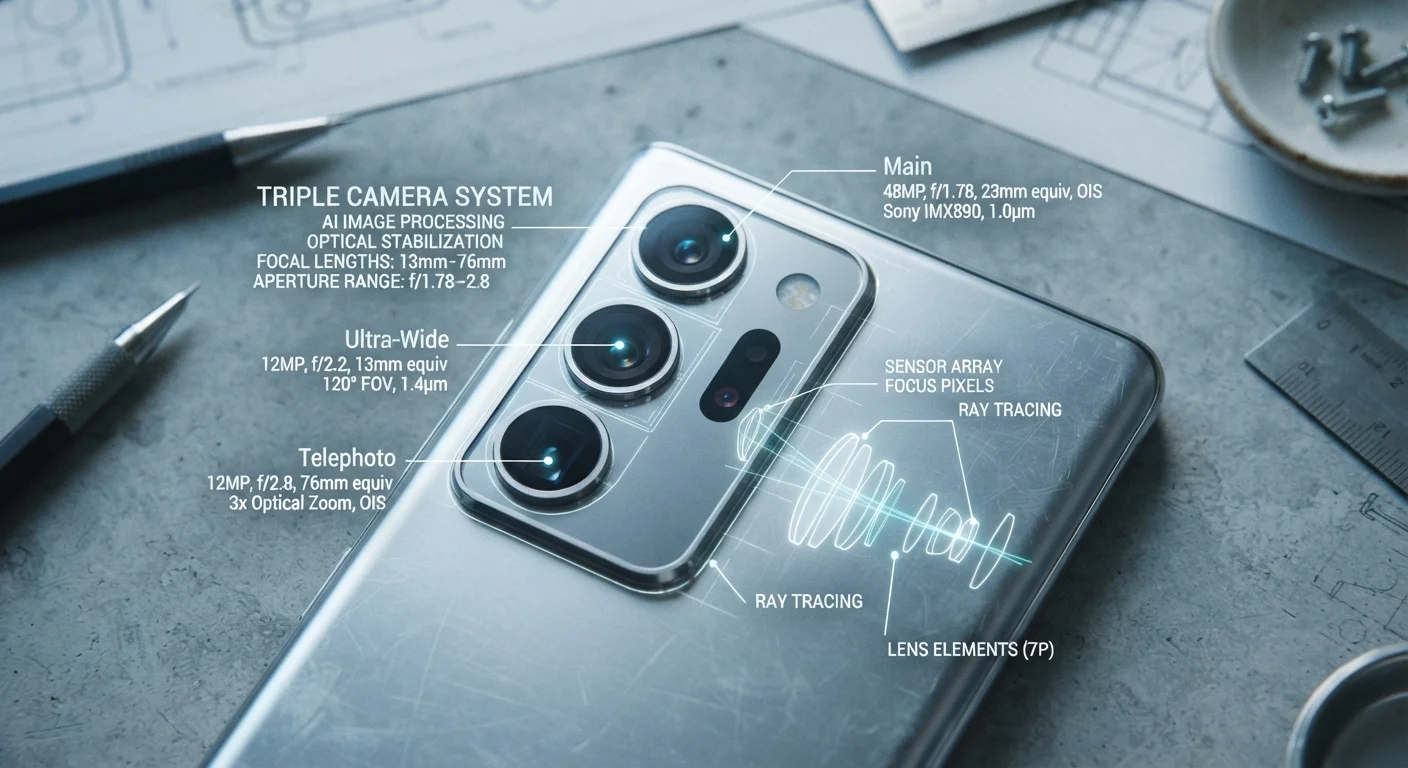
Much like camera megapixels, TV specs can be misleading in isolation — similar principles apply across consumer electronics. A TV with a strong processor and well-calibrated panel often looks better than a competing set with higher numbers on paper. Viewing angle, panel type (OLED, QLED, LCD), and room lighting conditions all influence real-world picture quality in ways that spec sheets don't capture. When evaluating a TV, consider the full picture, not just the headline figures.