What Actually Happens When Support Ends
Software doesn't expire the way milk does. When a product hits its end-of-life date, you won't necessarily see an error or a crash. Your app or operating system just keeps doing what it was doing — but silently, the safety net disappears.
Before EOL, the developer monitors the software for newly discovered security flaws. When a vulnerability is found, a patch is issued and pushed out to users. After EOL, that process stops. Vulnerabilities that are discovered after the cutoff date go unaddressed — permanently. Attackers know this, and they actively target EOL systems because the holes will never be officially closed.
Beyond security, EOL software gradually loses compatibility. Newer websites, file formats, connected services, and hardware may begin behaving oddly or stop working altogether. The software isn't degrading — the world around it is simply moving on.
EOL Applies to Operating Systems Too
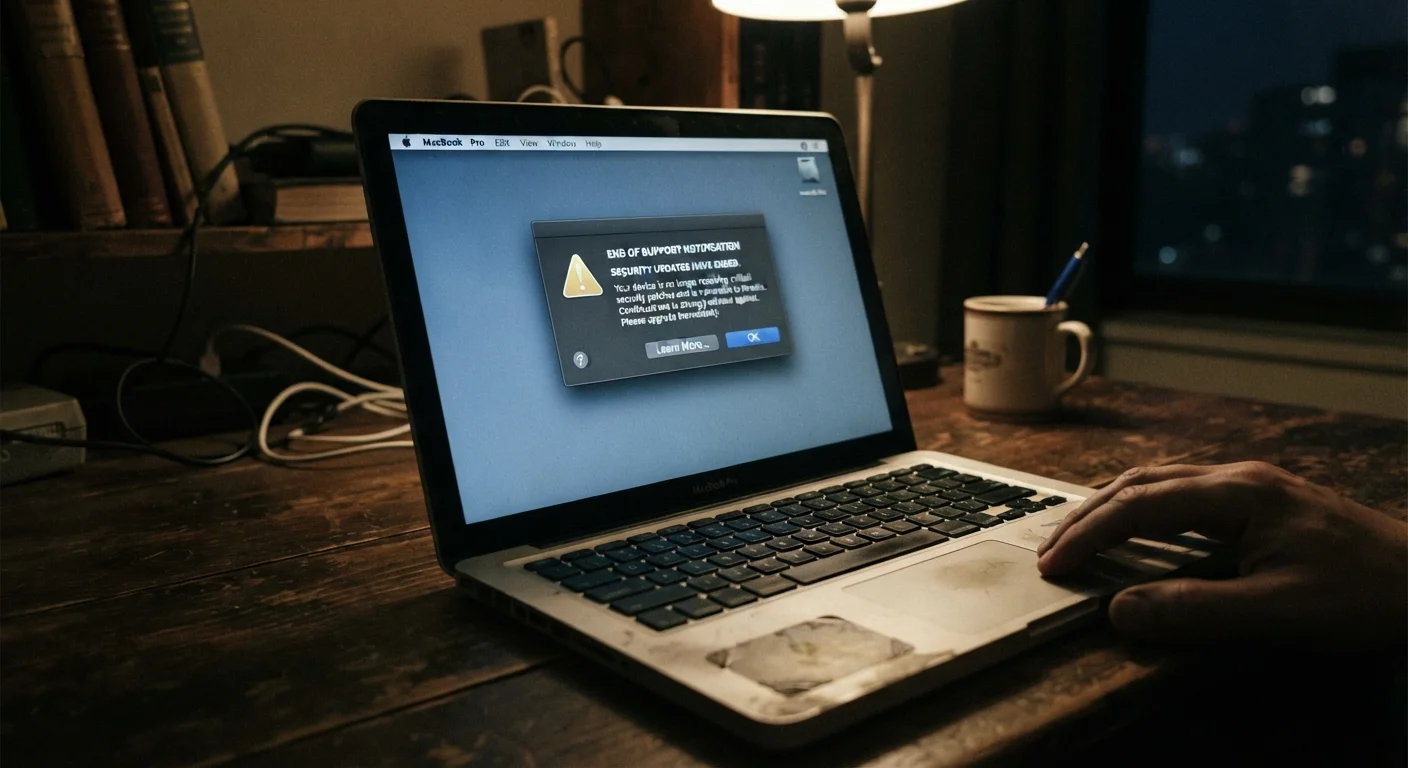
It's easy to focus on apps, but operating systems follow the same lifecycle. An EOL operating system is especially consequential because every application running on top of it inherits the same unpatched exposure. Browsers, productivity tools, and even security software depend on a functioning, supported OS foundation beneath them.
Why Vendors Stop Supporting Products
Supporting software indefinitely isn't feasible for developers. Every version they maintain requires engineering resources — testing patches against old code, managing legacy infrastructure, and fielding support tickets. At some point, those resources are better spent on current products.
Most vendors follow a defined product lifecycle. There's an initial general availability period, often followed by a mainstream support phase (with full feature development), then an extended or limited support phase (security patches only), and finally EOL. Microsoft, Apple, and major Linux distributors all publish these timelines publicly.
Understanding this cycle helps you plan. Vendors typically announce EOL dates a year or more in advance, sometimes several years out. That lead time exists so organizations and individuals can migrate thoughtfully rather than scramble.
60%+
Share of breaches exploiting known, unpatched vulnerabilities
Security research consistently shows that a majority of successful cyberattacks target flaws that already had a fix available — a pattern that worsens when software is past end of life and patches stop entirely.
5+ years
Typical mainstream support period for major operating systems
Most major OS vendors offer at least five years of mainstream support before transitioning products to limited or extended-only support phases, with EOL following thereafter.
When EOL Becomes Your Problem
For casual home users, EOL software is a meaningful but manageable risk. For anyone handling sensitive data — financial records, health information, or login credentials — it's a more serious concern.
Three situations tend to make EOL software a real liability:
- You're running it on a device connected to the internet. Internet-connected EOL systems are exposed to the full range of network-based attacks, including malware that specifically targets known unpatched flaws.
- You store or transmit sensitive information through it. If the software handles passwords, payment details, or personal data, an exploited vulnerability can lead to a breach.
- Your work or industry has compliance requirements. Regulations in healthcare, finance, and other sectors often require that software be kept current and supported. Running EOL software can put organizations out of compliance.
For a deeper look at why staying current matters, see our article on why ignoring software updates carries real risk.
Your Options When Software Goes EOL
Knowing your choices makes the transition less overwhelming.
Upgrade to a newer version. This is the most straightforward path when the developer offers a current release of the same product. Sometimes an upgrade is free; sometimes it's a paid step. Our breakdown of subscription versus one-time purchase software models can help you weigh the cost structures involved.
Switch to an alternative. EOL is often a natural moment to evaluate whether a different product better fits your needs. Competing tools may be more actively developed or better supported long-term.
Isolate and limit the system. If upgrading isn't immediately possible — due to cost, workflow dependency, or hardware constraints — you can reduce risk by limiting the EOL system's network access and keeping sensitive data off it. This is a bridge, not a destination.
If the EOL software is running on an aging device, it's worth considering the hardware picture too. Our guide on getting more life out of a device you already own covers how hardware and software longevity intersect.
Check Lifecycle Pages Before You Buy
Before committing to any software — especially for business use — look up the vendor's published support lifecycle. Knowing the expected EOL date upfront helps you factor in future migration costs and avoid locking into a product that will require replacement sooner than expected.