Why the 'Remind Me Later' Button Is Doing You No Favors
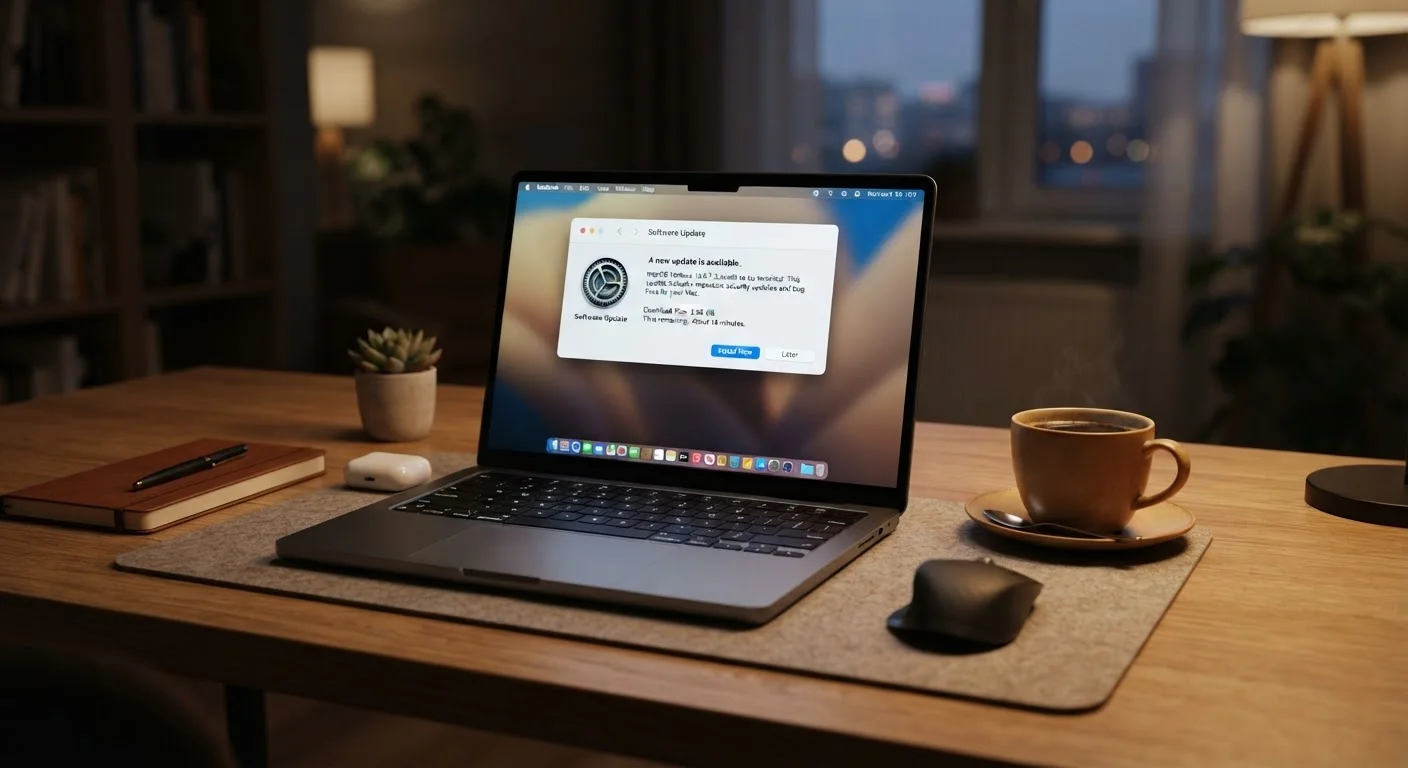
The update notification appears at the worst possible moment — right when you're in the middle of something. So you click "Remind Me Later," and then again, and again. It's one of the most universal habits in personal tech. It's also one of the riskiest.
Software updates aren't just housekeeping. They're the primary way developers respond to security flaws discovered in their code. When a vulnerability is identified, responsible software makers issue a patch as quickly as possible. That patch is the update sitting in your notification tray.
Understanding what's actually in those updates — and what happens when they go unapplied — makes the "remind me later" habit look very different. This article uses a myth-and-fact format to address the most common reasons people skip updates, and explains what the evidence actually shows.
Myth
Software updates are mainly about adding new features I didn't ask for.
Fact
The majority of updates — especially between major versions — are security patches and bug fixes, not new features.
It's a common frustration: you install an update and struggle to find what changed. That's often because the most important work happened under the hood. Security patches close vulnerabilities in the code that attackers could use to gain access to your system, steal data, or install malicious software. These fixes are invisible by design — you wouldn't want a detailed public changelog explaining exactly which holes were closed before everyone has had a chance to apply the patch.
New features tend to arrive in major releases (e.g., moving from version 14 to 15), while the smaller numbered updates in between are almost always maintenance and security work.
Myth
If my computer seems to be running fine, there's nothing urgent to fix.
Fact
Many vulnerabilities produce no visible symptoms at all — your device can be compromised and appear completely normal.
This is one of the most dangerous misconceptions about device security. Modern malware is often designed to operate silently, avoiding behaviors that would tip off the user. A device can be quietly logging keystrokes, serving as part of a botnet, or leaking data without any obvious slowdown or error message.
"Running fine" describes the user experience — it says nothing about what's happening at the software layer. Regular updates address vulnerabilities before they can be exploited, rather than after damage is done.
[important_callout]Myth
Waiting a week or two to see if an update causes problems is smart caution.
Fact
While a brief pause can make sense in managed IT environments, waiting weeks on a personal device extends your exposure during a high-risk window.
The logic here isn't wrong in every context. In corporate environments, IT departments sometimes test patches before rolling them out broadly — for good reason. But for individuals on personal devices, that calculus is different. Security researchers and attackers alike analyze patches soon after release, often reverse-engineering them to understand the underlying flaw. This means the days immediately after a patch is published can be among the riskiest for users who haven't yet updated.
For most people on most devices, applying updates within a day or two — rather than weeks later — is the lower-risk choice.
[warning_callout]Myth
Outdated software only puts my own device at risk.
Fact
An unpatched device on a shared network can expose every other device connected to that network.
Home networks are interconnected systems. A vulnerability on your old tablet could, in theory, provide a foothold that allows an attacker to probe other devices on the same Wi-Fi — including phones, smart home devices, or a family member's laptop. This concept, sometimes called lateral movement, is well-documented in network security research.
Keeping all your devices updated is part of good network hygiene — not just personal protection. If you're also thinking about your home network's overall setup, our guide on common home network pitfalls covers related ground.
Myth
Automatic updates are risky because they might install something that breaks my device.
Fact
Problematic updates are relatively rare and usually fixed quickly; the risk of staying unpatched generally outweighs the risk of a flawed update.
Update failures do happen occasionally, and when they make headlines, they're memorable. But they're the exception, not the rule. Software makers test updates extensively before release, and when an update does cause widespread issues, a corrective patch typically follows quickly.
Turning off automatic updates to avoid this rare scenario means trading a small, temporary inconvenience for continuous, ongoing security exposure. For most users, enabling automatic updates — or at least automatic download with manual install approval — is the sensible default.
Building the Habit: Making Updates Less of a Burden
The practical fix for most people is straightforward: enable automatic updates wherever your device allows it. Most operating systems — on phones, tablets, and computers — give you this option in the settings menu under a label like "Software Update" or "System Preferences." Set major updates to download automatically and install overnight when the device is charging and idle.
For apps, both major mobile platforms and desktop software stores offer similar settings. You don't need to review every small patch manually — that's what the developers' testing process is for.
60%+
Of breaches linked to unpatched vulnerabilities
Security industry analyses consistently find that a majority of successful cyberattacks exploit known vulnerabilities for which patches were already available.
15 days
Average time to exploit a new vulnerability
Research from security firms has estimated that attackers begin attempting to exploit newly disclosed vulnerabilities within days to two weeks of public disclosure.
If you're concerned about privacy settings that updates might affect, our guide on overlooked privacy controls is a useful companion read. And if you've ever seen a notice that your software is "no longer supported," our explainer on what end-of-life software means for you explains exactly why that status matters — and when it becomes your problem to solve.
Staying current with updates is also one of the simplest things you can do to extend the useful life of a device you already own. A patched, well-maintained device performs better and lasts longer than one running years-old software on aging, vulnerable code.