Why Overnight Charging Became Controversial
Plugging in your phone before bed is one of the most common tech habits in America. Yet a persistent worry follows it: is waking up to a fully charged device quietly killing your battery? That anxiety traces back to older nickel-cadmium (NiCd) battery technology, which genuinely did suffer from overcharging and a quirk called "memory effect" — where incomplete discharge cycles reduced total capacity over time.
The problem is that most devices today use lithium-ion (Li-ion) or lithium-polymer batteries, which behave very differently. Understanding how these batteries actually work — and how your device manages them — is the fastest way to separate charging myth from fact. For a deeper look at what's happening inside the battery pack itself, see our guide to lithium-ion battery chemistry.
Myth
Leaving your phone plugged in all night will overcharge the battery and cause permanent damage.
Fact
Modern devices automatically stop drawing charging current once the battery reaches 100%, preventing overcharge entirely.
Every contemporary smartphone, tablet, and laptop contains a dedicated battery management system (BMS) — a small circuit that monitors voltage, temperature, and current in real time. When the battery hits its maximum charge level, the BMS cuts off the charging current. The device then runs directly off the power adapter, letting the battery rest at full. No overcharging occurs. This design has been standard in consumer electronics for well over a decade.
Myth
You should always drain your battery completely to zero before recharging to preserve its capacity.
Fact
Deep discharges to 0% are actually stressful for lithium-ion batteries; partial charging is healthier.
The "drain it completely" advice comes from the era of NiCd batteries, which had a memory effect that required full discharge cycles to maintain accuracy. Lithium-ion batteries have no such requirement. In fact, repeatedly pushing them to 0% creates what engineers call deep discharge stress, which can incrementally shorten the battery's usable lifespan. Topping off frequently — keeping the battery somewhere in the 20%–80% range when possible — is the gentler approach for long-term health.
Myth
Wireless charging overnight is far more damaging than wired charging.
Fact
Both wireless and wired charging stop at 100% under normal conditions; heat management is the real difference.
Wireless charging does generate slightly more heat than wired charging during the active charging phase because energy transfer through induction is inherently less efficient — some energy is lost as heat in the coils. However, once the battery is full, both methods idle in the same way. The practical concern with wireless charging overnight is ensuring the device isn't resting on a surface that traps heat. A well-ventilated wireless pad in a cool room poses minimal risk. For a side-by-side look at how both methods work, see our piece on wired vs. wireless charging.
Myth
Keeping your battery at 100% all the time has no effect on its long-term health.
Fact
Sustained storage at 100% charge creates mild electrochemical stress; many devices now offset this automatically.
While overcharging is prevented, holding a lithium-ion battery at maximum voltage for extended periods does create a low-level form of stress called high-state-of-charge degradation. Over months and years, this can contribute to a modest reduction in total capacity. Recognizing this, several major operating systems now offer "optimized charging" modes that learn your routine and delay the final charge to 100% until shortly before you typically unplug. Enabling this feature — where available — is a simple, zero-effort way to reduce long-term stress without changing your overnight habit.
Myth
Using your phone while it charges causes serious battery damage.
Fact
Light use during charging is generally fine; the risk only rises if the device gets hot.
Using your phone while plugged in doesn't inherently harm the battery. The charging circuit continues to manage current normally. The concern arises when heavy tasks — like gaming or streaming at high brightness — generate enough heat to warm the battery significantly while it's also receiving charge current. Heat compounds chemical wear. If your phone feels noticeably warm during charging, reducing screen brightness or pausing intensive apps is a simple precaution, not a rule you must follow under all circumstances.
What Actually Damages a Modern Battery
Once you understand what charging circuits actually do, the real threats to battery longevity come into focus — and they're not what most people suspect.
300–500
Typical full charge cycles before noticeable capacity loss
Battery manufacturers commonly rate lithium-ion cells to retain roughly 80% capacity after this range of complete charge cycles under normal conditions.
~77°F (25°C)
Optimal storage temperature for Li-ion batteries
Battery research consistently identifies room temperature as the sweet spot; sustained exposure above 95°F (35°C) measurably accelerates electrochemical aging.
Heat is the dominant factor. Lithium-ion batteries degrade faster when they operate at elevated temperatures. Charging a phone inside a case that traps heat, or leaving a laptop on a thick blanket that blocks its vents, creates more cumulative damage than overnight charging ever will. Our article on protecting devices from temperature extremes explains exactly what ranges are safe for consumer electronics.
Charge cycles add up, but slowly. Every time a battery goes from 0% to 100%, that counts as one full cycle. Most modern Li-ion batteries are rated for 300–500 full cycles before capacity noticeably drops, though usage patterns vary widely. Frequent partial charges — say, topping off from 60% to 80% — consume only a fraction of a cycle each time, which is why partial charging is broadly considered gentler on batteries over time.
Watch for Heat During Overnight Charging
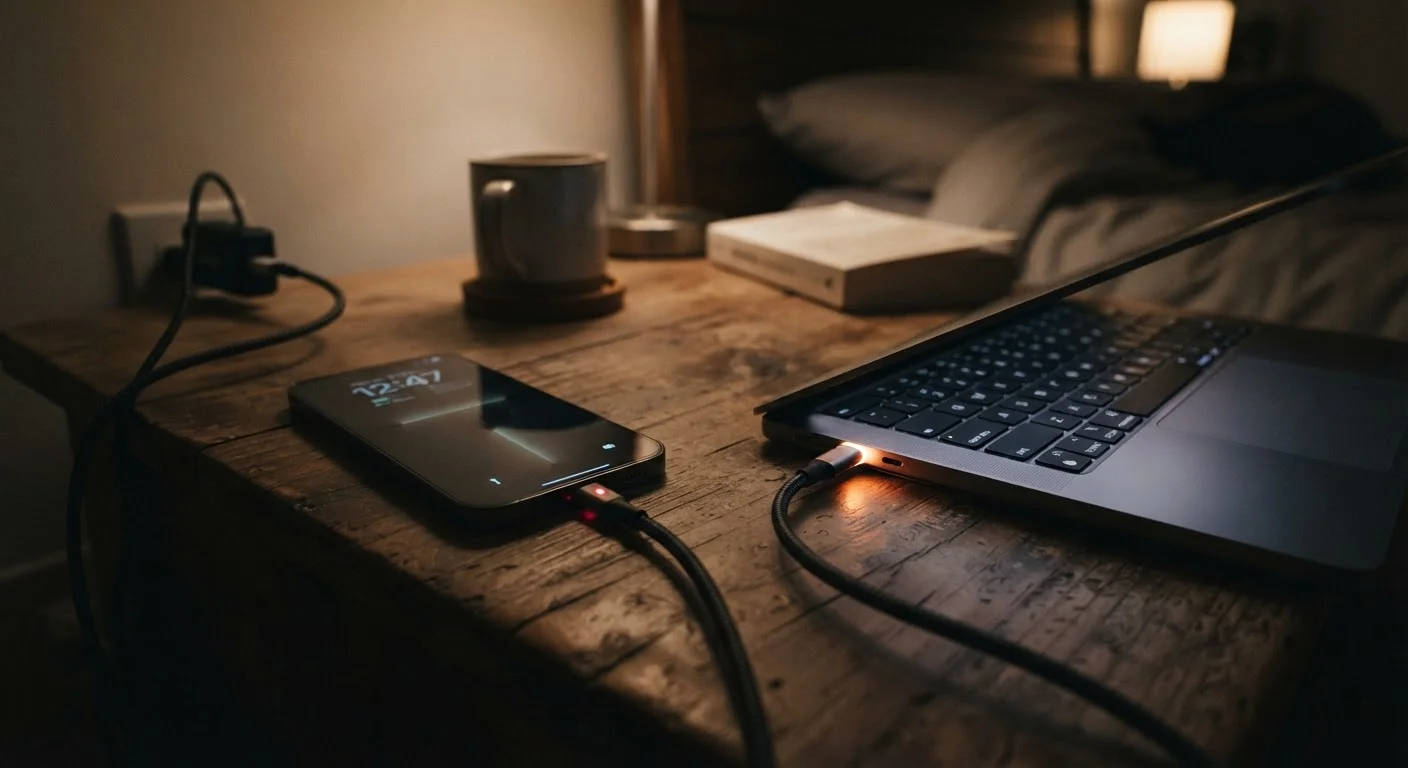
If your phone or laptop feels warm to the touch in the morning after a full night on the charger, check that it isn't buried under pillows, blankets, or inside a thick case that traps heat. Prolonged heat — not the act of charging itself — is what accelerates battery aging. Consider charging on a hard, flat surface with good airflow, and remove thick cases if the device regularly runs warm.
If you want to go further, extending the life of devices you already own covers a range of practical habits — from software maintenance to cleaning charging contacts — that collectively add up.