Why Passwords Alone Are No Longer Enough
Passwords are the most familiar form of account security, but they have a fundamental weakness: they are a single point of failure. If someone obtains your password — through a data breach, phishing email, or simply guessing it — they have everything they need to access your account.
Data breaches happen with striking regularity across industries. When a company's user database is compromised, passwords from that breach often circulate on underground forums within days. Even a strong, unique password offers no protection once it has been exposed in a breach you had no control over.
Two-factor authentication changes the equation. Even if an attacker has your correct password, they hit a second locked door — a verification step tied to a device or method only you control. That's the essential promise of 2FA.
80%+
Data breaches involving stolen credentials
Verizon's Data Breach Investigations Report has consistently found that a large majority of hacking-related breaches exploit weak or stolen passwords.
99.9%
Automated account attacks blocked by MFA
Microsoft reported that accounts with multi-factor authentication enabled blocked approximately 99.9% of automated credential-based attacks.
The Three Types of Authentication Factors
Security professionals organize authentication into three broad categories. Understanding these helps explain why combining two of them is so effective.
- Something you know — a password, PIN, or security question answer. This is the most common factor but also the most vulnerable to theft or guessing.
- Something you have — a physical device like your smartphone (which can receive codes or run an authenticator app), or a dedicated hardware security key that plugs into your computer.
- Something you are — biometric data like a fingerprint or face scan, used on devices that support this feature.
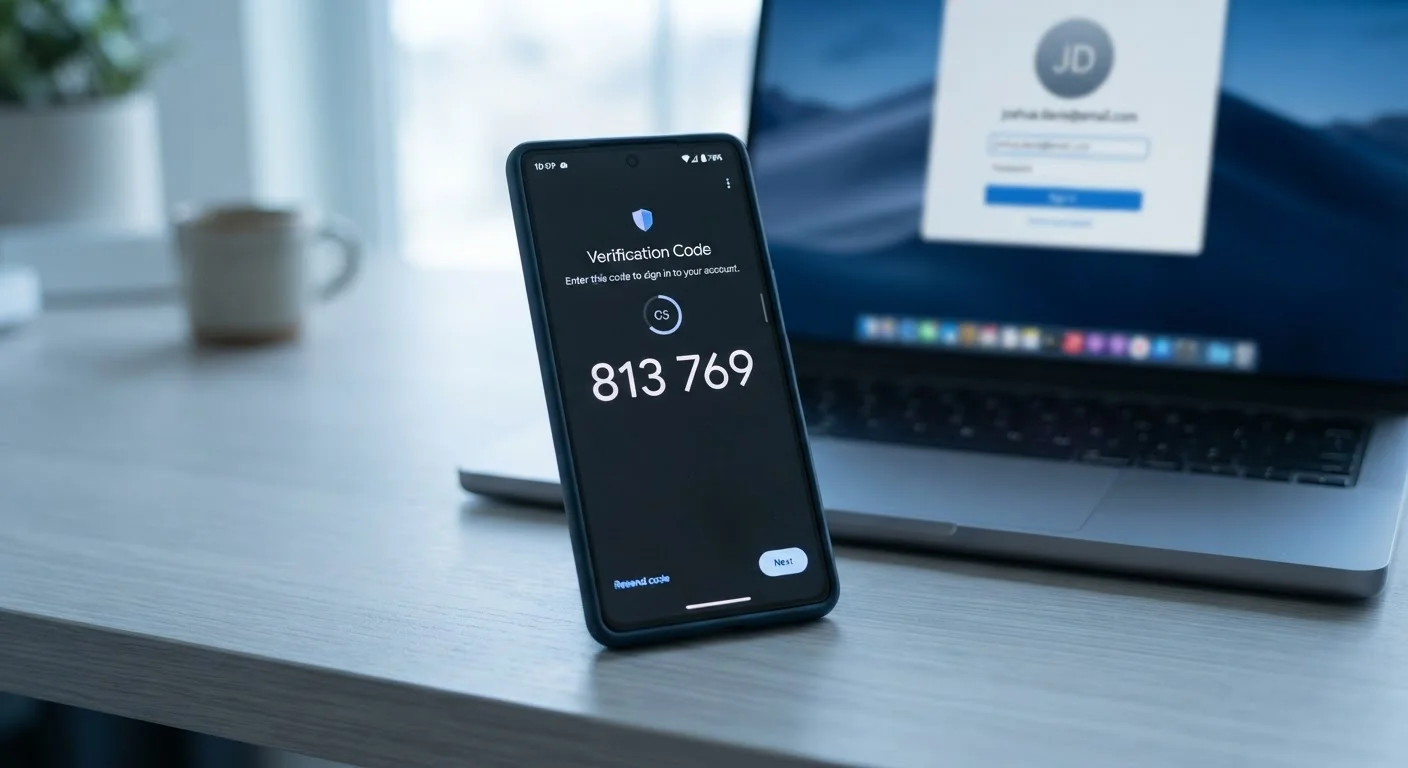
Standard 2FA combines the first two: your password plus a time-sensitive code delivered to a device you physically possess. Because both are required simultaneously, stealing just one factor isn't enough to break in.
Common 2FA Methods and How They Compare
Not all second factors are equally secure. Here's how the most common methods stack up:
SMS Text Codes
The most widely available method. After entering your password, the service texts a six-digit code to your phone number. It's simple to set up and better than nothing, but it carries a specific risk: SIM-swapping. This is a scam where an attacker convinces your mobile carrier to transfer your number to a device they control, letting them receive your codes.
Authenticator Apps
Apps like Google Authenticator or Authy generate time-based codes directly on your device — no network connection required. Because the codes are produced locally and expire every 30 seconds, they are far harder to intercept. This is generally the method security experts recommend for most people.
Hardware Security Keys
A small physical device — often resembling a USB drive — that you plug in or tap against your phone to confirm your identity. These are the most phishing-resistant option available. They're commonly used in high-security environments and are increasingly available to everyday consumers.
Push Notifications
Some services send a login-approval prompt directly to a registered app on your phone. You simply tap "Approve" or "Deny." Convenient and secure, though approval fatigue — repeatedly tapping approve without thinking — can be a risk if attackers spam requests.
Start With Your Most Critical Accounts
You don't need to enable 2FA on every account at once. Begin with email, banking, and any service linked to a payment method. Once those are secured, work outward to social media and other accounts. Even enabling 2FA on just two or three high-value accounts significantly reduces your overall risk.
How to Enable 2FA and Where to Start
Most major services — email providers, banks, social platforms, and app stores — support 2FA, usually found under account settings labeled "Security," "Privacy," or "Login Options." The process typically takes fewer than five minutes.
Prioritize your email account first. Your inbox is the master key to everything else — password reset links for most services go there. If an attacker owns your email, they can reset and take over your other accounts in minutes. After email, focus on financial accounts and any account connected to payment methods.
When you enable 2FA, the service will typically provide a set of backup codes — one-time-use codes you can use if your primary second factor is unavailable. Save these somewhere secure, such as a password manager. For guidance on managing credentials safely, see our plain-language guide to password managers.
Pairing strong passwords with 2FA covers the two most impactful layers of account defense. For a broader look at hardening your digital presence, explore overlooked privacy settings that most people never adjust.