Why Deleting Apps Doesn't Always Fix the Problem
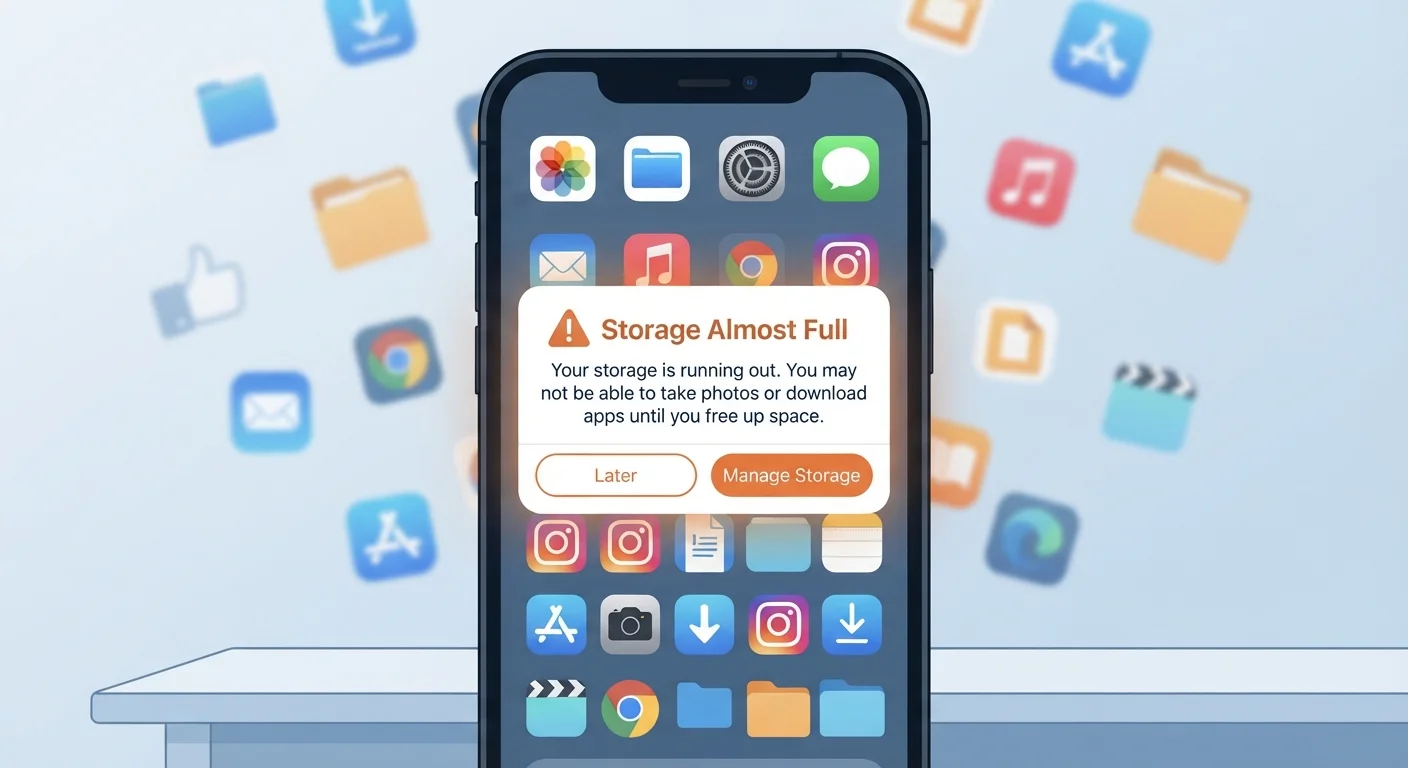
You delete a handful of apps, watch the freed space tick upward, and feel satisfied — until a week later when your phone is full again. This is one of the most common frustrations smartphone owners face, and it almost always comes down to a misunderstanding of how phone storage actually works.
Your phone's storage isn't just occupied by the apps themselves. It's also filled by cache files (temporary data apps store to load faster), app data (your settings, login credentials, downloaded content), media files, and system data. Removing the app icon only uninstalls the application code. On many Android devices, leftover data folders can persist even after an uninstall unless you explicitly clear them first.
To get a real picture of what's consuming your storage, check your phone's built-in storage breakdown under Settings. Both Android and iOS provide a category-by-category view. If you've never looked at it, the results are often surprising. Learn more about reading that breakdown in our guide on understanding what's taking up space on your phone.
Deleting apps without clearing their data first.
Why it happens: Most people assume uninstalling an app removes everything associated with it, but residual folders and data files often remain, especially on Android.
Ignoring the media stored inside messaging and social apps.
Why it happens: Every photo, video, GIF, and voice note received in a chat app is saved to local storage automatically by default — and it adds up fast without any visible warning.
Treating cloud backup as freeing up space when it hasn't been configured correctly.
Why it happens: Turning on cloud backup doesn't automatically remove local copies of photos or files — it only creates an off-device duplicate unless you also enable 'optimize storage' or a similar setting.
Downloading streaming content and forgetting to delete it.
Why it happens: Music, podcast, and video streaming apps make offline downloading easy — and equally easy to forget. Those files sit untouched consuming gigabytes.
Overlooking system and OS storage as a fixed cost.
Why it happens: Readers often expect to reclaim 100% of advertised storage space, not realizing that the operating system, pre-installed apps, and system files permanently occupy a portion of it.
Smarter Habits That Actually Free Up Space
Once you understand where storage goes, reclaiming it becomes far more straightforward. A few targeted habits go much further than randomly deleting apps.
~30%
Storage consumed by photos and videos on average
Industry analyses of smartphone storage use consistently find that media files — especially photos and videos — account for the largest share of user-occupied storage on most devices.
10–20%
Storage reserved by the OS and system files
Regardless of advertised storage capacity, operating systems and pre-installed software typically reserve a fixed portion of internal storage that users cannot access or reclaim.
Manage your media library deliberately. Photos and videos are nearly always the biggest storage consumers. Use your phone's built-in tool to identify duplicate photos, blurry shots, and screenshots you've forgotten. Enabling cloud backup (through your device's native backup service or a third-party option) lets you store originals remotely while keeping lower-resolution previews locally — freeing significant space without losing anything permanently.
Clear app cache on a schedule. On Android, you can clear cache for individual apps under Settings > Apps. iOS handles cache differently — it doesn't expose per-app cache clearing directly, but you can offload an app (Settings > General > iPhone Storage), which removes the app while preserving its data, then reinstall it fresh.
Audit messaging apps. Chat apps like SMS and messaging platforms accumulate photos, videos, voice messages, and stickers silently. Most have a built-in storage manager — use it to bulk-delete media you've already seen.
Building a routine around digital organization pays dividends well beyond storage. Our practical framework for organizing your digital life covers a broader set of habits that keep your device manageable over time. And if your phone feels sluggish alongside the storage warnings, the two issues are often connected — see why phones slow down over time for context on what's happening under the hood.
Don't Clear App Data Without Knowing What You'll Lose
Clearing an app's data (not just its cache) will erase your saved settings, login sessions, and any locally stored progress or preferences. For most apps this is recoverable — you simply log back in — but for apps without cloud sync, such as certain games or note-taking tools, clearing data may permanently delete content. Check whether an app syncs to the cloud before clearing its data.