
What Automated Savings Actually Does-and Doesn't Do
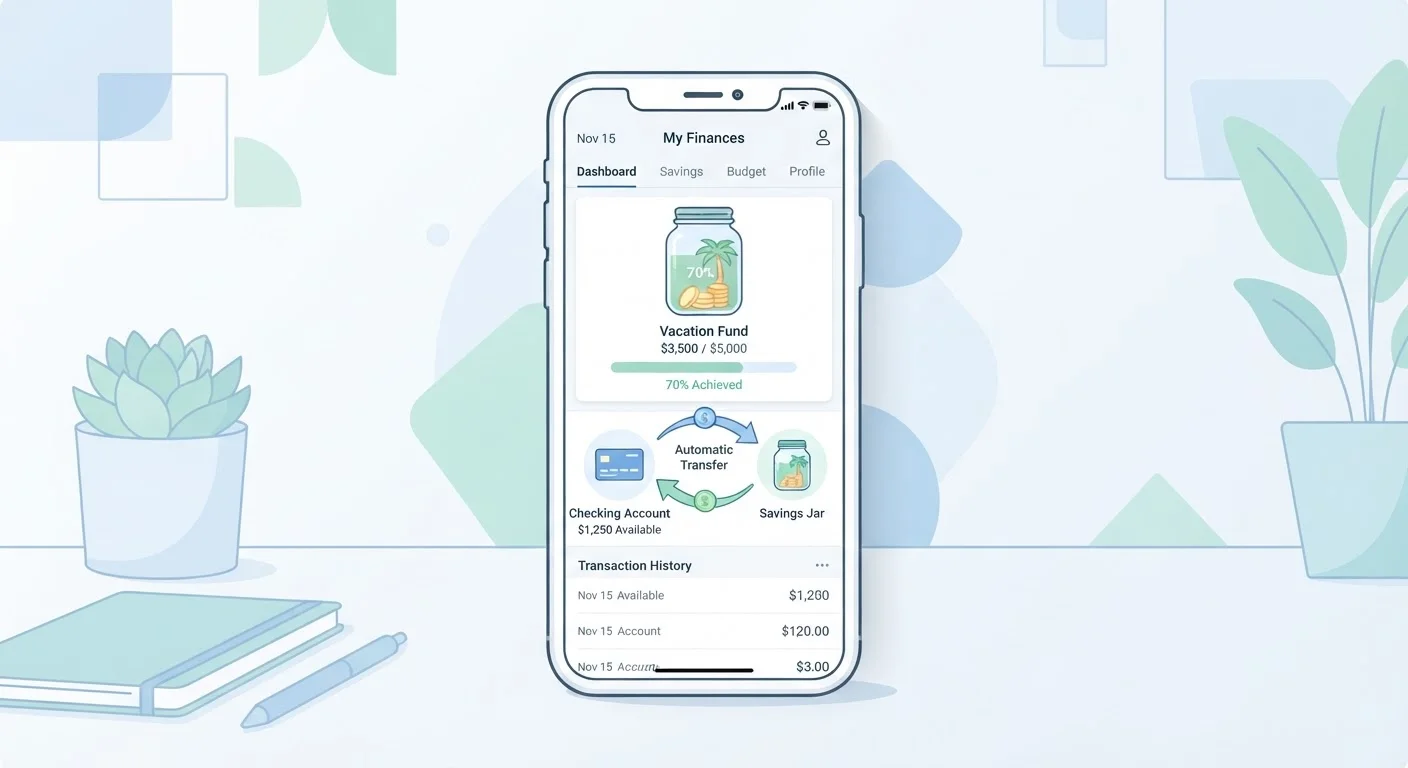
Automated savings is straightforward in concept: you instruct your bank to move a set amount from your checking account to a savings account on a recurring schedule, typically tied to your pay dates. The transfer happens without you initiating it each time. That's the entire mechanism.
What makes it effective is behavioral, not technical. Research in behavioral economics has consistently found that people spend what's available and save what's left-which is often nothing. Automation reverses that sequence. The money leaves before spending decisions are made.
What automation doesn't do is solve an underlying cash-flow problem. If your expenses regularly exceed your income, moving money to savings will cause overdrafts or force you to transfer the funds back. Automation also won't tell you if you're saving the right amount or saving for the right goal. Those decisions still require your judgment. For a broader look at keeping tabs on your finances while running automated systems, see how to automate your finances without losing oversight.
What you will need
When Automated Savings Might Not Be the Right Fit
Automation suits people with stable, predictable income and a spending plan that already works. It's less suited to a few specific situations:
- High-interest debt: If you're carrying credit card balances at 20% APR or higher, the math often favors putting every spare dollar toward that debt rather than into a savings account earning 4-5%. The interest cost can outpace what you accumulate. See how to balance debt repayment and saving simultaneously for a framework on splitting priorities.
- Variable or freelance income: When your paycheck changes each period, a fixed automated transfer can be too aggressive some months. Manual transfers let you right-size each contribution based on what actually came in.
- No buffer in checking: Automating into savings when your checking account regularly runs close to zero raises overdraft risk. Building even a small buffer first-$200 to $500-can make automation safer.
If your budget is already stretched, saving on a tight budget covers approaches that work when margins are thin.
Overdraft Risk Is Real-Plan for It
Automated transfers don't know when an unexpected expense hits your checking account. If a medical bill or car repair lands in the same week as your scheduled savings transfer, you could overdraft. Keep a small buffer in checking-even $100 to $200-and know your bank's overdraft policies before you set up recurring transfers.
Pairing Automation With Specific Savings Goals
Automated transfers become more powerful when they're directed toward named, purpose-driven savings buckets rather than a single general account. One practical approach is to create separate savings accounts for distinct goals-an emergency fund, an irregular expense fund (sometimes called a sinking fund), and a medium-term goal like a down payment or vehicle repair.
Many banks allow multiple savings accounts under one login, and some let you automate separate transfer amounts to each. This structure helps because it keeps goal progress visible and makes it psychologically harder to spend money earmarked for a specific purpose.
Once your savings habit is stable, you may start wondering whether some of that money should be invested rather than held in savings. That's a different question-one that depends on your time horizon, risk comfort, and existing financial cushion. Savings vs. investing breaks down how to think through that decision.
Online or mobile banking portal
Used to schedule and manage automatic recurring transfers between accounts.
Separate savings account
Keeps saved funds distinct from spending money, reducing the temptation to dip in.
Monthly budget worksheet or app
Helps you identify how much you can realistically automate without overdrafting.
This article is for general informational purposes only and does not constitute personalized financial advice. Consult a qualified financial professional for guidance specific to your situation.